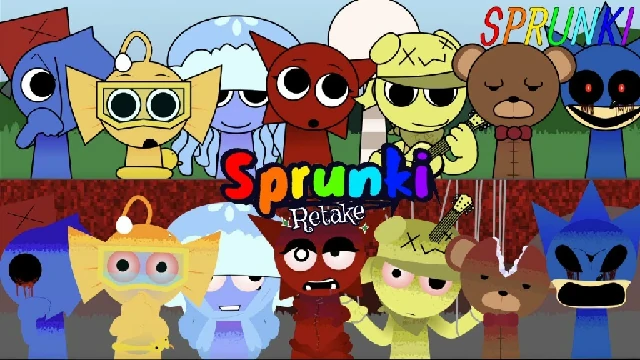
Sprunki Retake
Sprunki Retake is a horror‑themed Incredibox Sprunki mod that reworks the original with cinematic transitions, spooky sound design, and hidden scare sequences for darker music mixes.
Play Sprunki Retake Sprunki Mod Online

Sprunki Retake is a horror‑themed Incredibox Sprunki mod that reworks the original with cinematic transitions, spooky sound design, and hidden scare sequences for darker music mixes.
Play Sprunki Retake Sprunki Mod Online
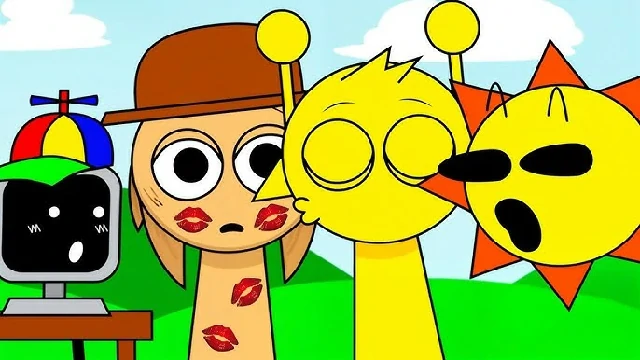
Sprunki Sinner is a gothic Sprunki fan game with melodic rhythms, a romantic storyline between Tunner and Simon, and classic‑only visuals without full horror mode.
Play Sprunki Sinner Sprunki Mod Online
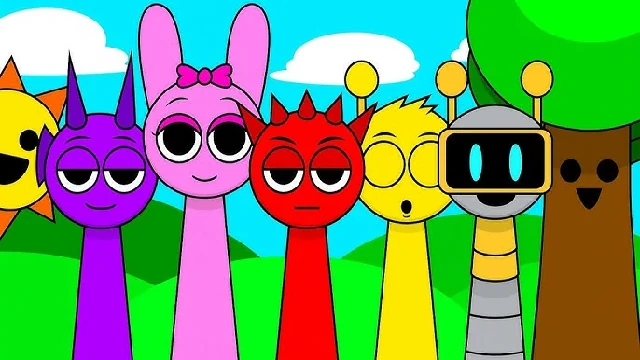
Sprunky is a reworked Incredibox Sprunki fan mod with 20 characters, improved visuals, and both classic and horror themes for DJ‑style drag‑and‑drop music creation.
Play Sprunky Sprunki Mod Online
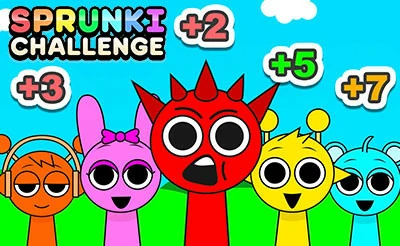
Sprunki Challenge is a 1‑player and 2‑player Sprunki mode where you mix music, activate horror mode, and compete to 2000 points in a head‑to‑head scoring battle.
Play Sprunki Challenge Sprunki Mod Online
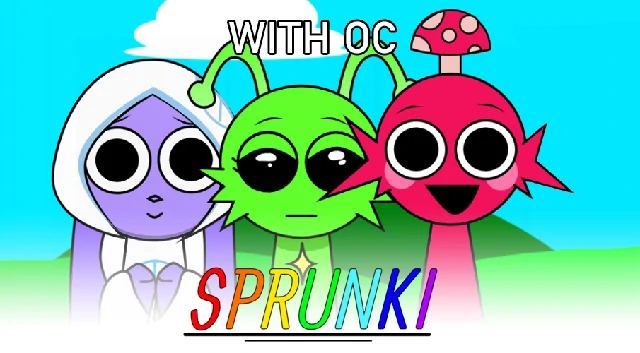
Sprunki With OC is an extended Sprunki mode with dozens of fan‑made original characters (OC), classic and dark styles, and accessory‑style sound icons for deep remixing.
Play Sprunki With OC Sprunki Mod Online
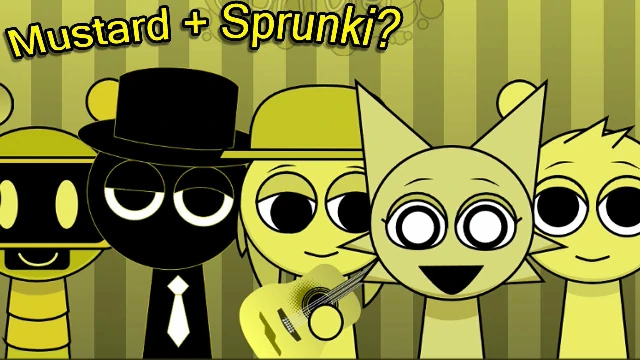
Sprunki Mustard is a Colorbox‑inspired Sprunki mode focused on DJ‑style layering, where seven yellow‑toned characters stack beats, tones, and effects into short mustard‑themed tracks.
Play Sprunki Mustard Sprunki Mod Online
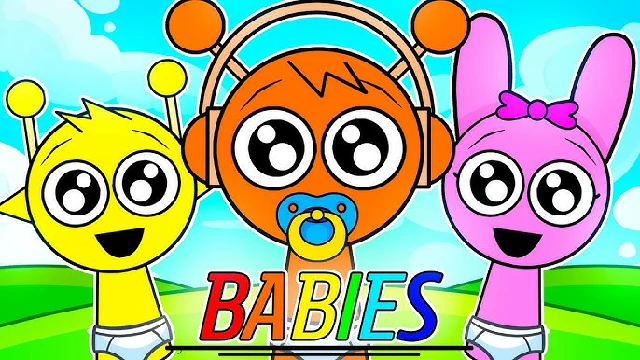
Sprunki Babies is a baby‑themed Sprunki mode that turns all characters into cute babies with softer sounds, gentle rhythms, and a kid‑friendly mild horror option.
Play Sprunki Babies Sprunki Mod Online
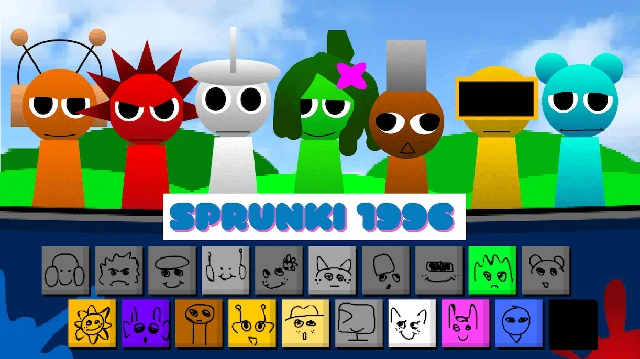
Sprunki 1996 is a retro Sprunki mode with VHS‑inspired visuals, pixel‑style UI, and 1990s‑flavored sound design that lets you build nostalgic 1996‑style mixes.
Play Sprunki 1996 Sprunki Mod Online
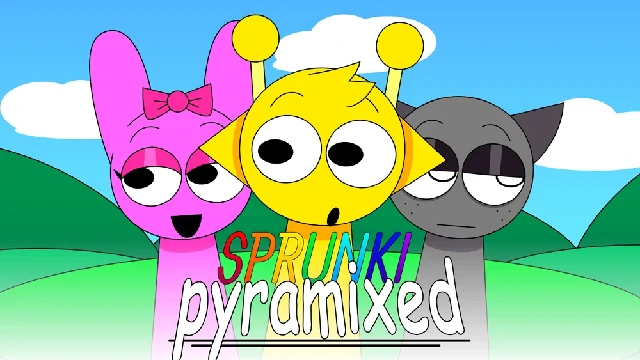
Sprunki Pyramixed is a pyramid‑themed Sprunki mix mode with desert visuals and electronic, atmospheric sound design.
Play Sprunki Pyramixed Sprunki Mod Online
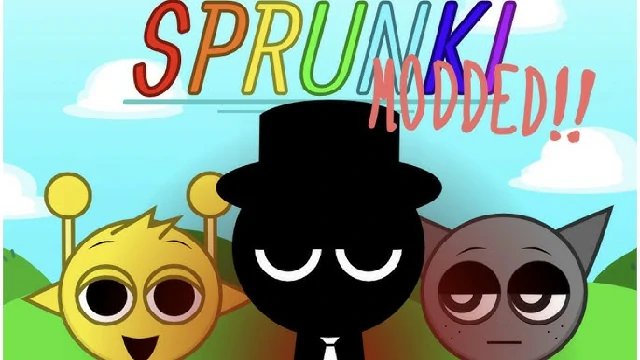
Sprunki Modded is a feature‑packed Sprunki mode with rhythm speed control, automatic chorus tools, and quality‑of‑life improvements.
Play Sprunki Modded Sprunki Mod Online
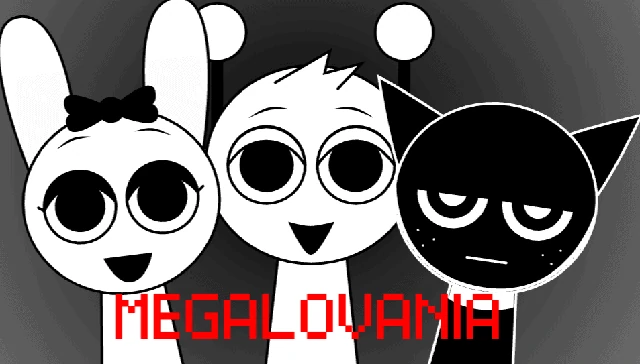
Sprunki Megalovania is a standalone mod that combines the melodies and themes of the famous song 'Megalovania' with Sprunki's interactive musical structure. Features Megalovania-themed sounds, classic and horror theme switching, and character-chorus pairing.
Play Sprunki Megalovania Sprunki Mod Online
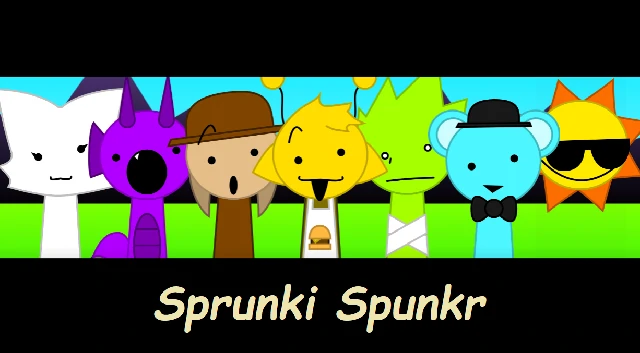
Sprunki Spunkr is a fan-made adaptation featuring 38 characters, significantly more than other Sprunki mods. Features unique character layout with characters arranged above and below, original sounds and rhythms, and Horror mode.
Play Sprunki Spunkr Sprunki Mod Online
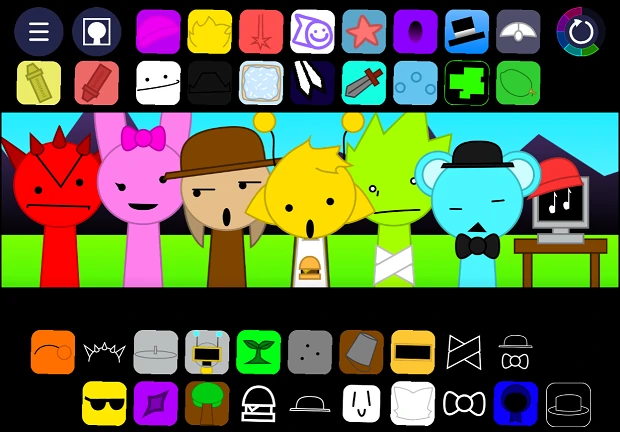
Sprunki Spunkr 2 is the second version of Spunkr with 28 characters, cute visual effects and graphics, better sounds and animations, and attractive Horror mode. Features stylized graphics and interface.
Play Sprunki Spunkr 2 Sprunki Mod Online
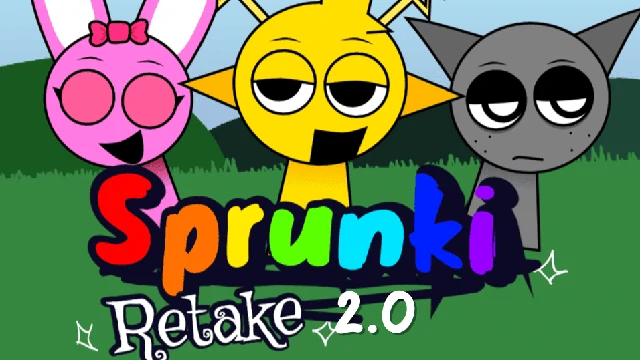
Sprunki Retake 2 is the second version of Retake with better visual effects, sounds, and animations. Features 7 extra characters, 16:9 screen support, and Hollywood-style transition effects.
Play Sprunki Retake 2 Sprunki Mod Online
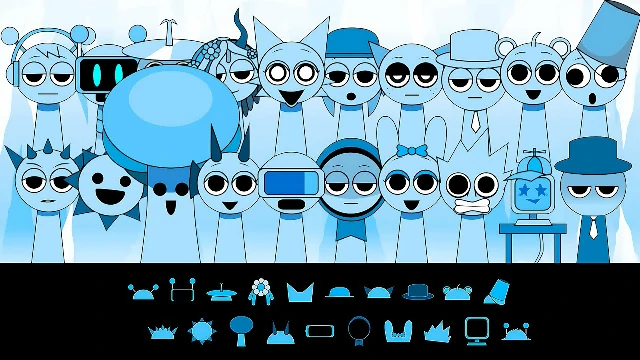
Sprunki Cool As Ice is a winter-themed version of the popular Sprunki Incredibox-style experience, created with Scratch. Every character is styled in icy blue tones, with sounds and animations tuned to a frosty, seasonal mood. As with other Sprunki-style mods, you can switch between a lighter classic feel and a darker, horror-inspired atmosphere while you build your own tracks.
In Sprunki Cool As Ice, music is something you build piece by piece. Twenty character icons sit along the bottom of the screen, each one linked to a specific sound, rhythm, or musical texture. By dragging these icons into one of seven active slots on the stage, you layer beats, melodies, and effects into a custom mix that reacts in real time as characters move and perform.
All performers appear in pale, ice-blue palettes with winter outfits and details that match their sound. Falling snow and a cool-toned interface help reinforce the frozen theme without getting in the way of the simple drag-and-drop flow.
You can play using mouse or touch controls:
The rhythm bar, visible as a refresh-style arrow, lets you follow the cycle of your loop as it restarts, helping you time new additions to your mix.
Sprunki Cool As Ice includes a horror-flavored variant that you can trigger from within the same interface. When you add the special character from the lower-right area to the stage, the visuals shift to a darker style and the overall soundscape becomes more eerie and intense. Characters take on a more unsettling presence, and the music leans into deeper, spookier tones while preserving the core drag-and-drop loop system.
You can return to the lighter winter feel at any time by using the arrow control in the upper-right corner, which switches the experience back to the default theme.
Sprunki Cool As Ice can be enjoyed on both desktop and mobile browsers, with smooth support for mouse and touch input. The game is designed to be compact, quick to load, and free to play, making it easy to jump in for short creative sessions or longer experiments with different sound combinations. You can access Sprunki Cool As Ice directly through Sprunki.Games.
Sprunki Cool As Ice uses 20 distinct character buttons at the bottom of the screen, each tied to its own sound. You can have up to 7 characters active on the stage at the same time.
The game focuses on a winter and ice theme, with blue-tinted characters, falling snow, and sound design tuned to a colder, crisper atmosphere. It also includes an optional horror-style variant that shifts the visuals and tone without changing the fundamental drag-and-drop music system.
To enter the horror-style theme, drag the special character from the lower-right corner onto the stage. The visuals will darken and the music will adopt a more chilling, horror-inspired sound.
Use the arrow icon in the upper-right corner to return to the regular winter look and audio feel after trying the horror-style mode.
Yes. Sprunki Cool As Ice supports both mobile touchscreens and desktop mouse controls, so you can create mixes on phones, tablets, laptops, and PCs.
Sprunki Cool As Ice is free to play and small in size, and it can be enjoyed without a constant internet connection once loaded.